
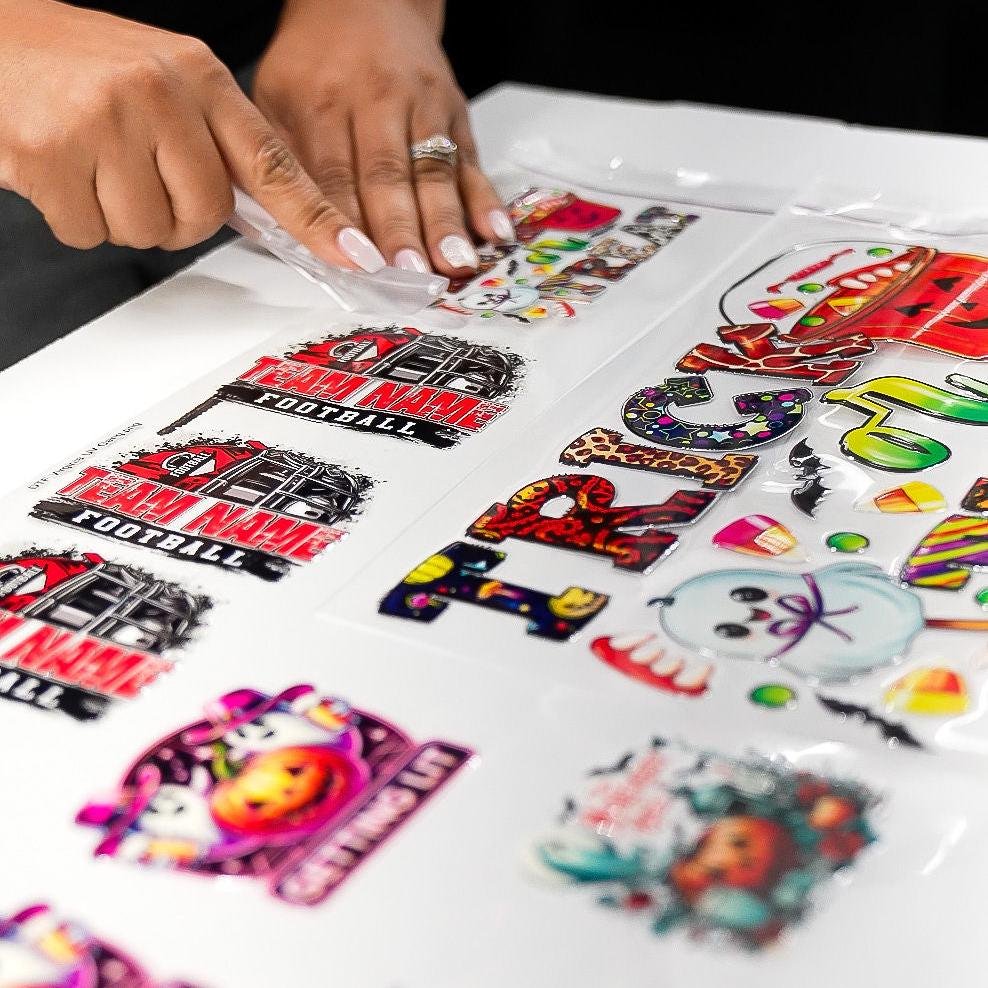



UV Sticker Gang Sheet Builder
Price range: $7.50 through $150.00
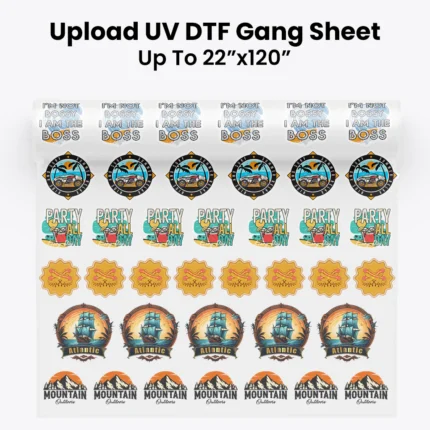
UV DTF Gang Sheet Builder allows you to easily upload your designs and create custom gang sheets for permanent UV DTF stickers.
Description
APPLICATION INSTRUCTIONS FOR DUALDEALS TRANSFERS
HOW TO APPLY UV DTF TRANSFERS
- Prepare the material: Ensure the material is clean and dry. If necessary, apply a coat of primer or treatment to enhance adhesion.
- Apply transfer tape: Cut a piece of application tape slightly larger than the design. Place the tape over the design, ensuring it’s centered and smooth.
- Peel off the backing: Carefully peel off the backing from the UV DTF film, leaving the design on the transfer tape.
- Apply the design: Place the design on the material, ensuring it’s aligned correctly. Use a squeegee or credit card to apply even pressure.
- Remove the transfer tape: Slowly peel off the transfer tape, making sure the design remains on the material.
- Cure the design: Use a UV lamp or expose the design to UV light to cure the ink. Follow the manufacturer’s instructions for curing time and temperature.
- Laminate (optional): Apply a laminate sheet to protect the design and enhance durability.
- Inspect and enjoy: Check the design for any air bubbles or wrinkles. Your custom design is now ready to use.
Decals cannot be repositioned and are permanent!
How to Apply DTF Transfers
100% Cotton and Blends
- 320°F
- Firm pressure
- Press once for 15 seconds
- Peel cold
- Re-Press for 3-5 seconds
100% Polyester or Spandex
- 260°F
- Firm pressure
- Press once for 10 seconds
- Peel cold
- Re-Press for 3-5 seconds
How to Apply TPU Transfers
100% Cotton and Blends
- 300°F
- Firm pressure
- Press once for 15 seconds
- Peel cold
- Re-Press for 3-5 seconds
100% Polyester or Spandex
- 220°F
- Firm pressure
- Press once for 10 seconds
- Peel cold
- Re-Press for 3-5 seconds
Additional information
| Select a Size |
22” x 6” ,22” X 12” ,22” X 24” ,22” X 36” ,22” X 48” ,22” X 60” ,22” X 72” ,22” X 84” ,22” X 96” ,22” X 108” ,22” X 120” |
|---|
Reviews (0)
Related products

Select options
This product has multiple variants. The options may be chosen on the product page
Custom Gang Sheet Builder
Price range: $6.00 through $80.00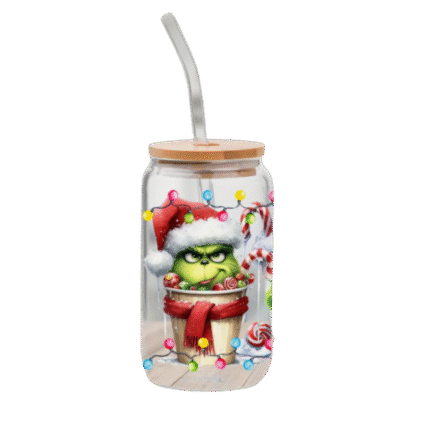

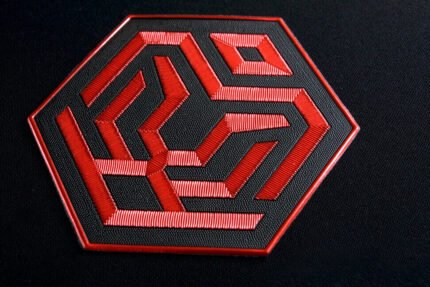

TPU Gang Sheet Builder
Price range: $7.50 through $150.00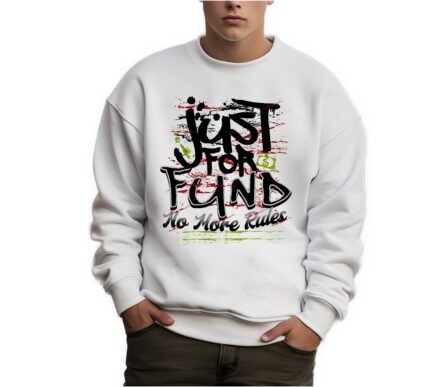
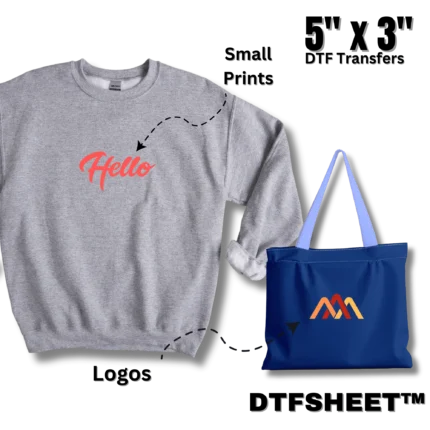
Upload a DTF Gang Sheet
Price range: $6.00 through $80.00
Select options
This product has multiple variants. The options may be chosen on the product page

Reviews
There are no reviews yet.